Leaderboards
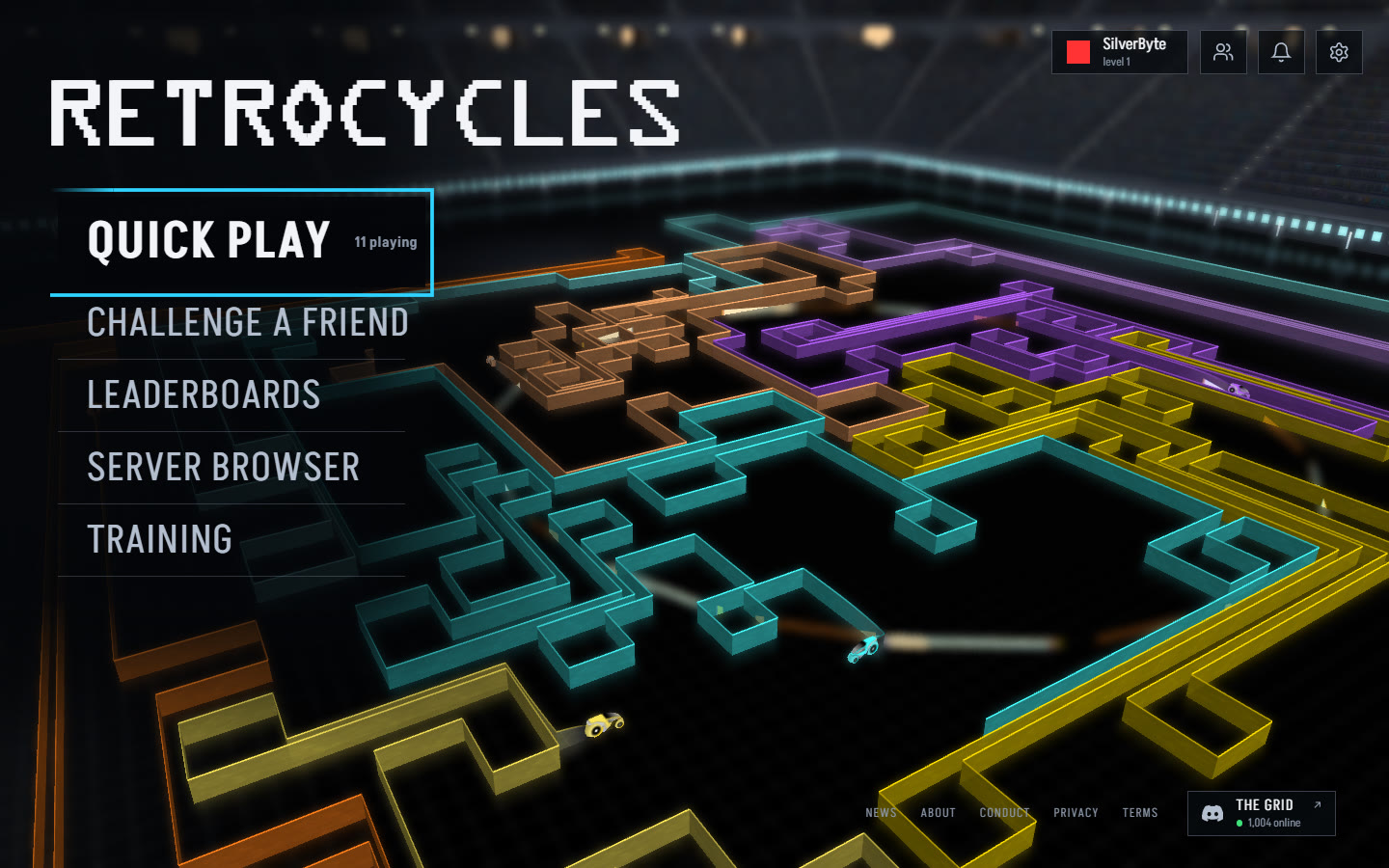
Every Quick Play match now counts toward three leaderboards: today, this week and all time. Open Leaderboards from the home screen to see who's on top and where you rank. You can sort by kills, K/D or match wins.
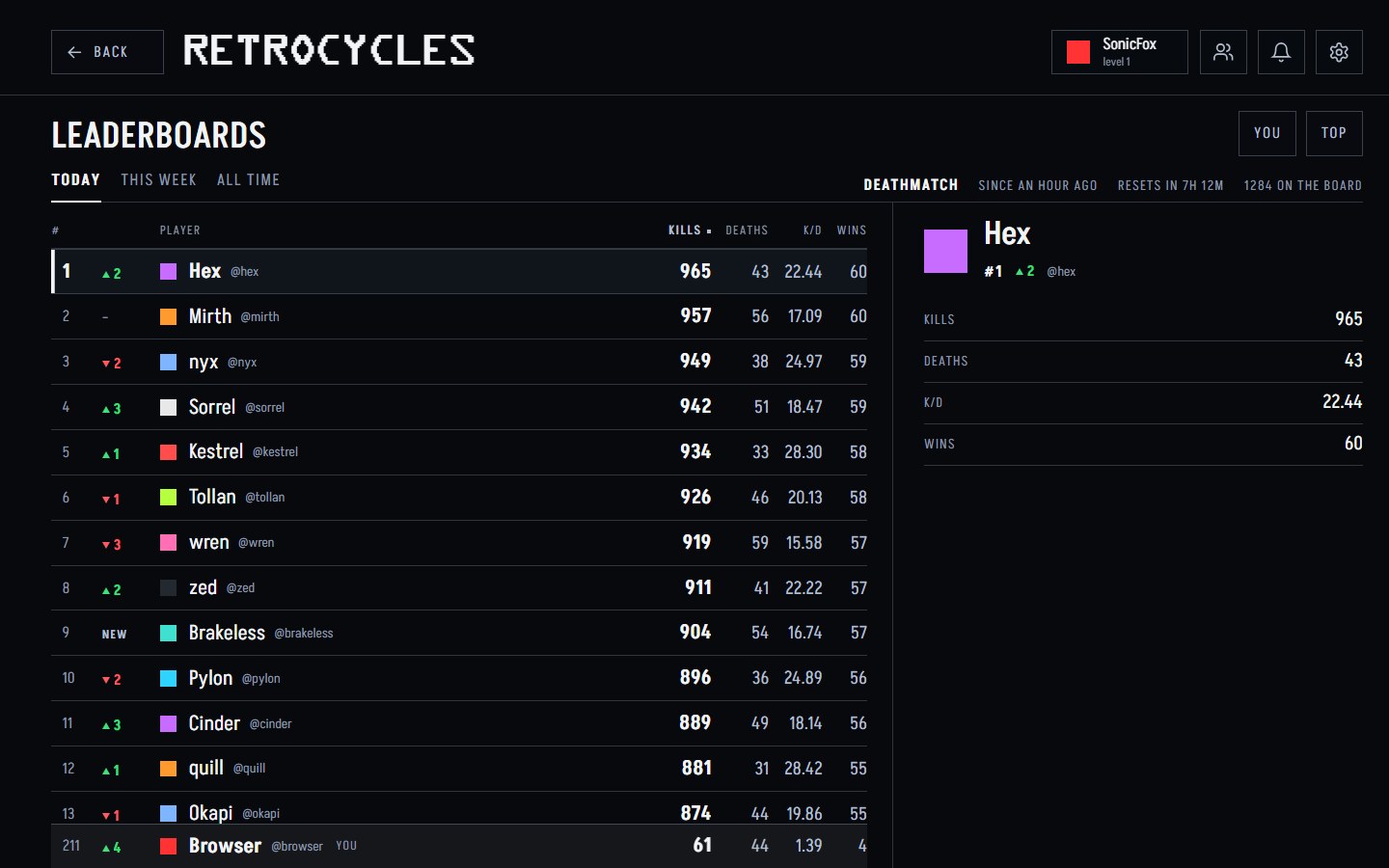
In a game, press Tab to open the scoreboard, then Shift+Tab to flip to the leaderboards. When you die, you'll see if you moved up and how many kills it takes to pass the next player.
You don't need an account to get on the board. As a guest your place is kept for 30 days. Save your progress to keep it for good and put your name on it.
Challenge a Friend
Want to play someone head to head? Pick Challenge a Friend on the home screen and send them the link. They don't need an account or a download. The link opens the game right in their browser.
While you wait, you can jump into Quick Play. We'll let you know when they've arrived.
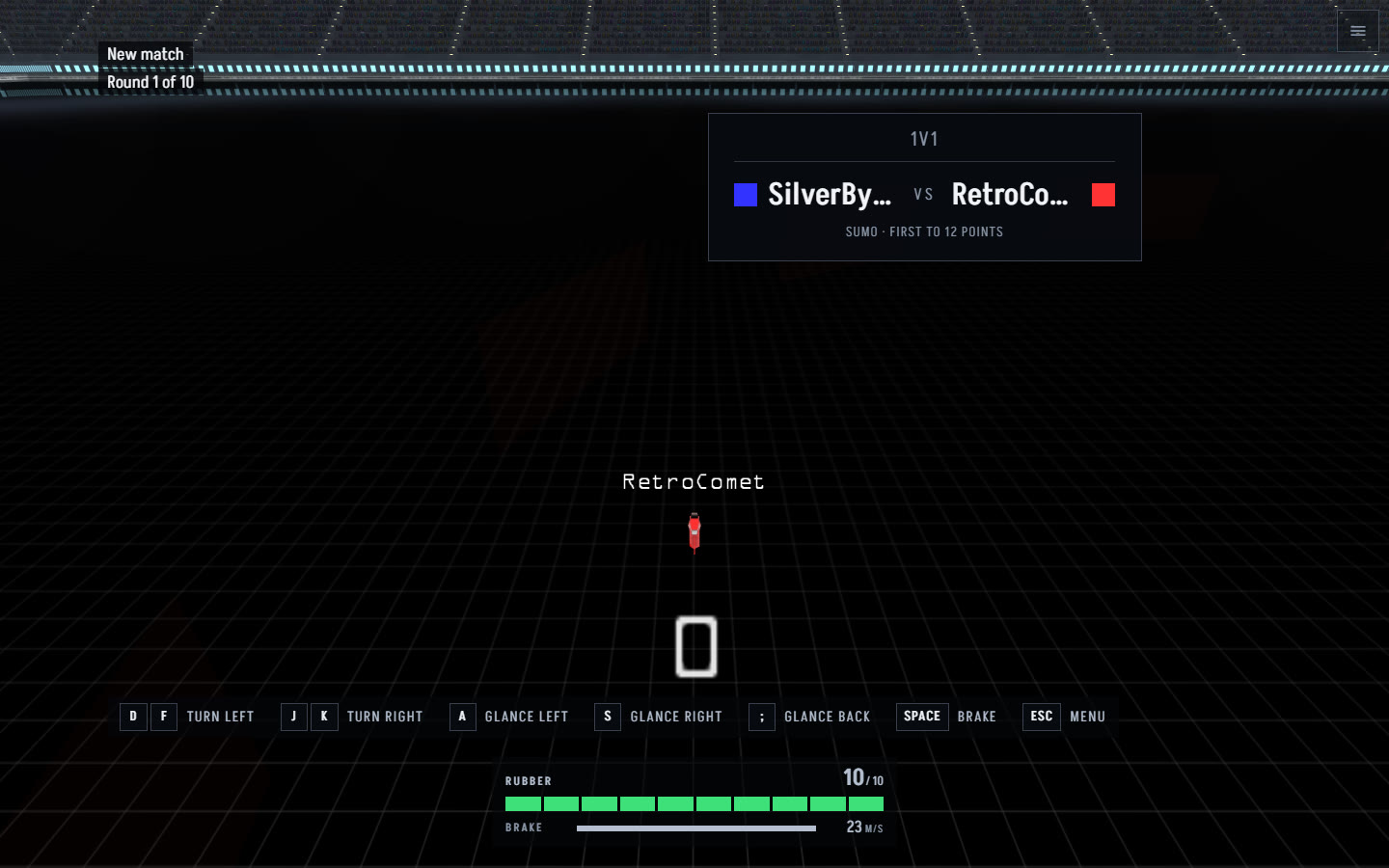
Every 1v1 is a game of sumo. Stay inside the shrinking zone, knock your opponent out of it and don't crash. First to 12 points wins, and you can hit Rematch to go again.
If you're signed in, you can also challenge someone from your friends list, or another player from their card during a game. Don't want to be challenged? Turn it off in Settings.